


01
Dashboard Home
Open your SabahBusiness Dashboard
Sign in to your account and open the dashboard. This is the main area for your listing and account activity.
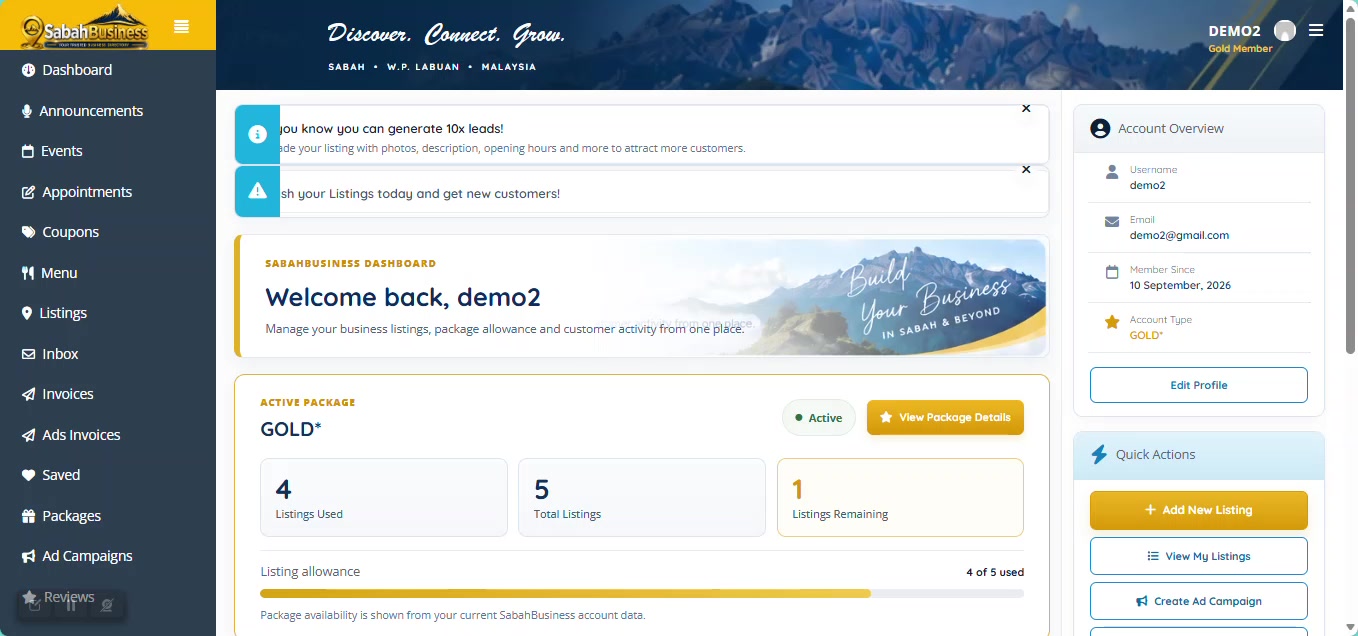

Learn how to use your SabahBusiness dashboard, view your listings and keep your business information up to date.
Use the SabahBusiness dashboard to view the listings connected to your account and access the available management options.
See the business listings connected to your account.
Keep important business information accurate.
Access available account and listing management areas.
Sign in to your account and open the dashboard. This is the main area for your listing and account activity.
Your dashboard provides access to listing-related information and available account options.
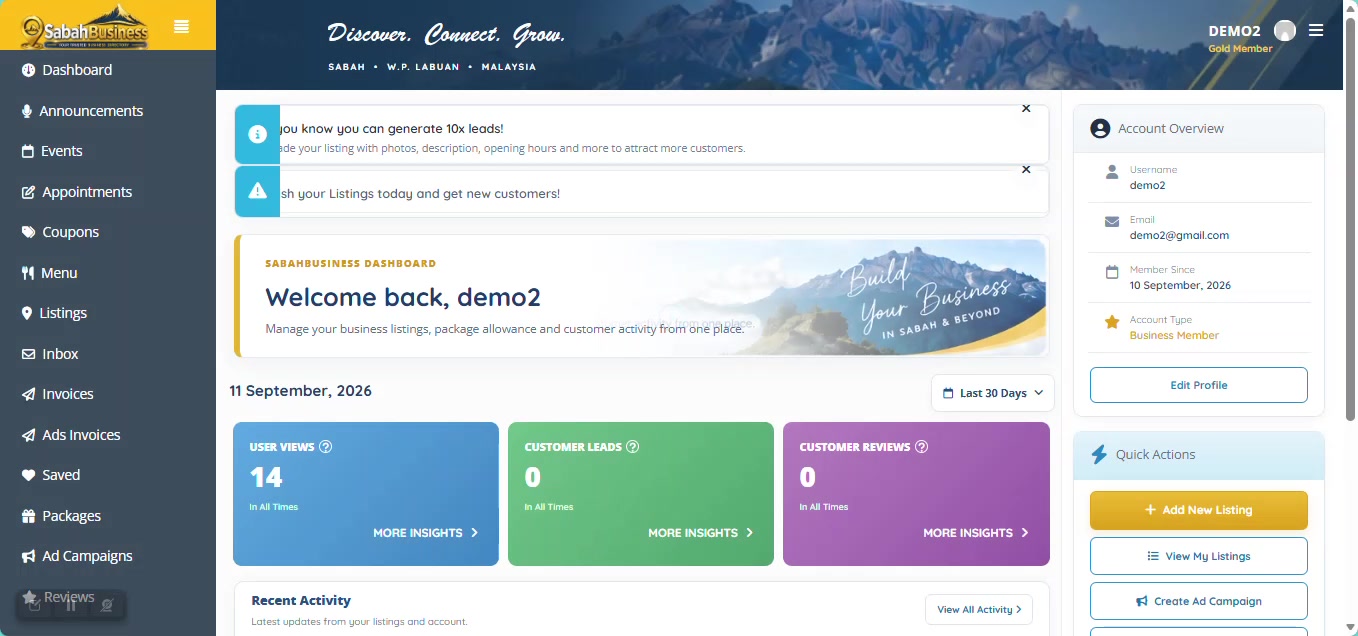
Go to My Listings to see businesses associated with your account and access the available listing management options.
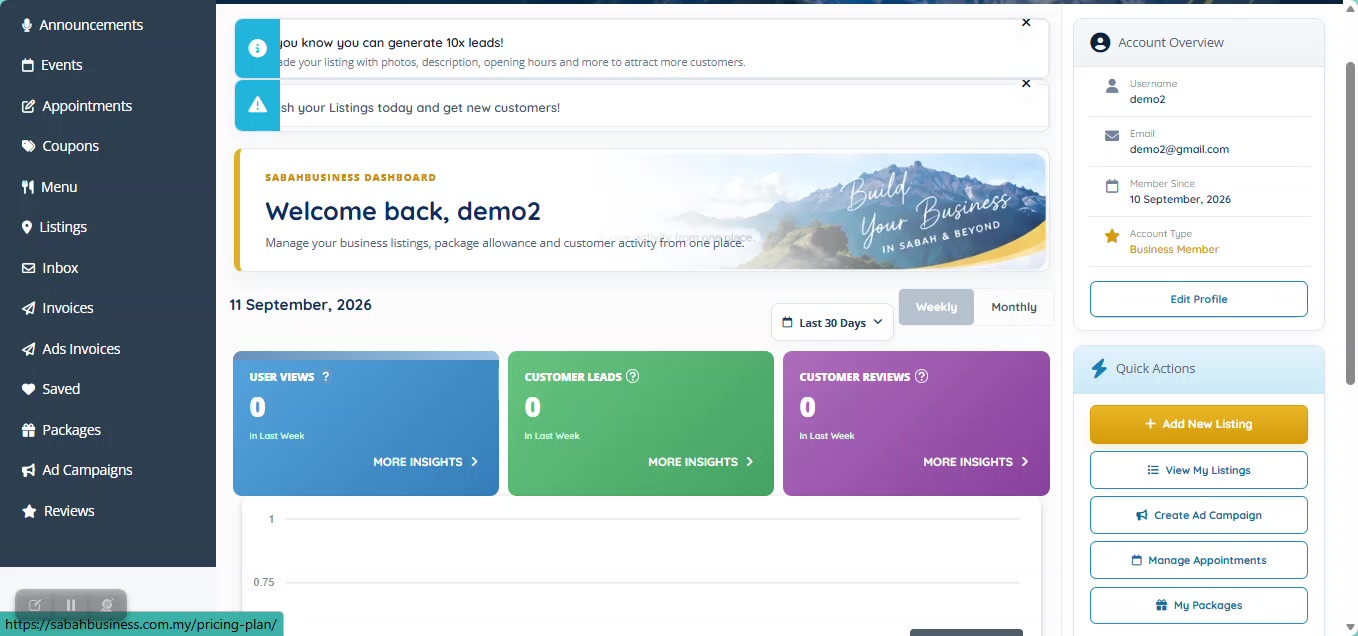
If you manage more than one business, check the business name carefully before making changes.
Open your public listing and check that the visible business information remains accurate and useful to customers.
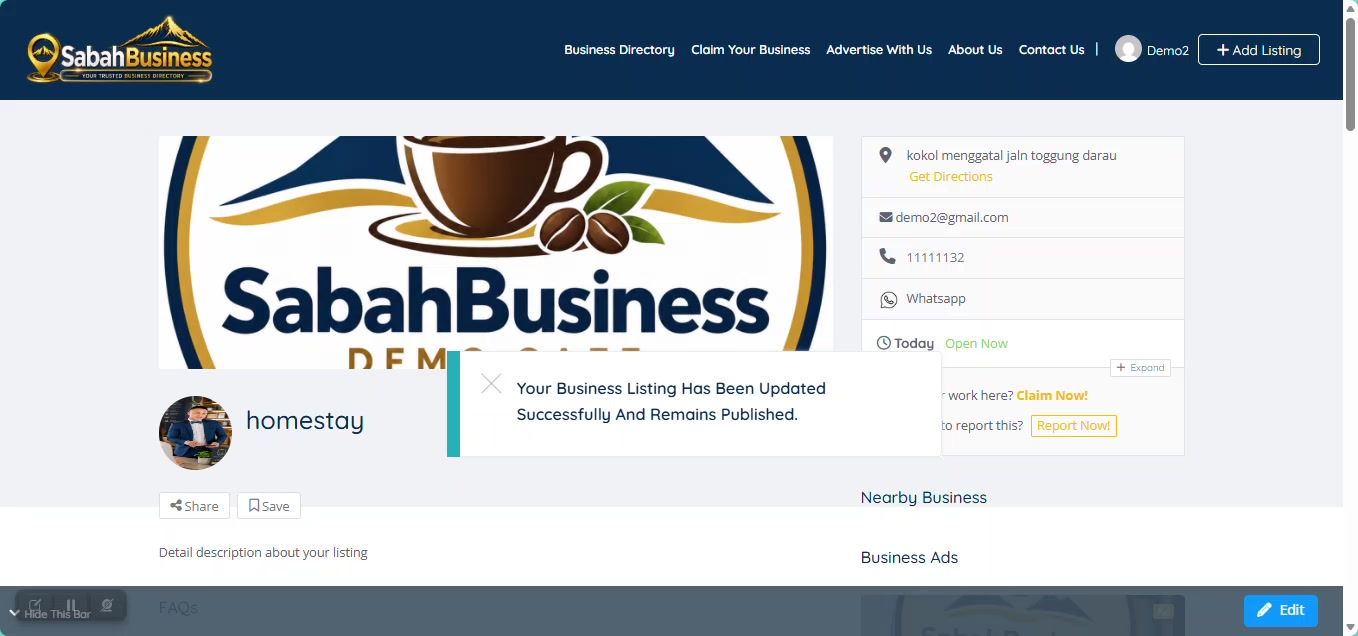
Review important information such as your address, contact number, opening hours, description, category and business images.
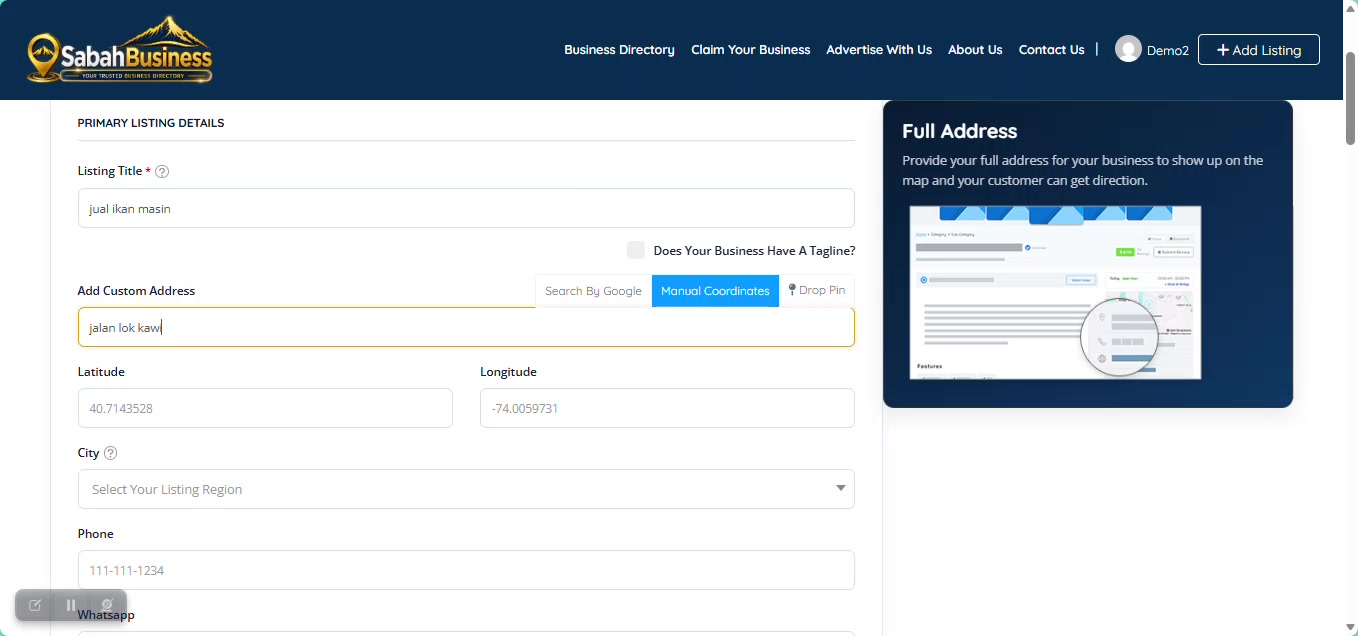
Customers may rely on the information shown in your listing, so keep key details current.
Use images that accurately represent your business, services, products or location.
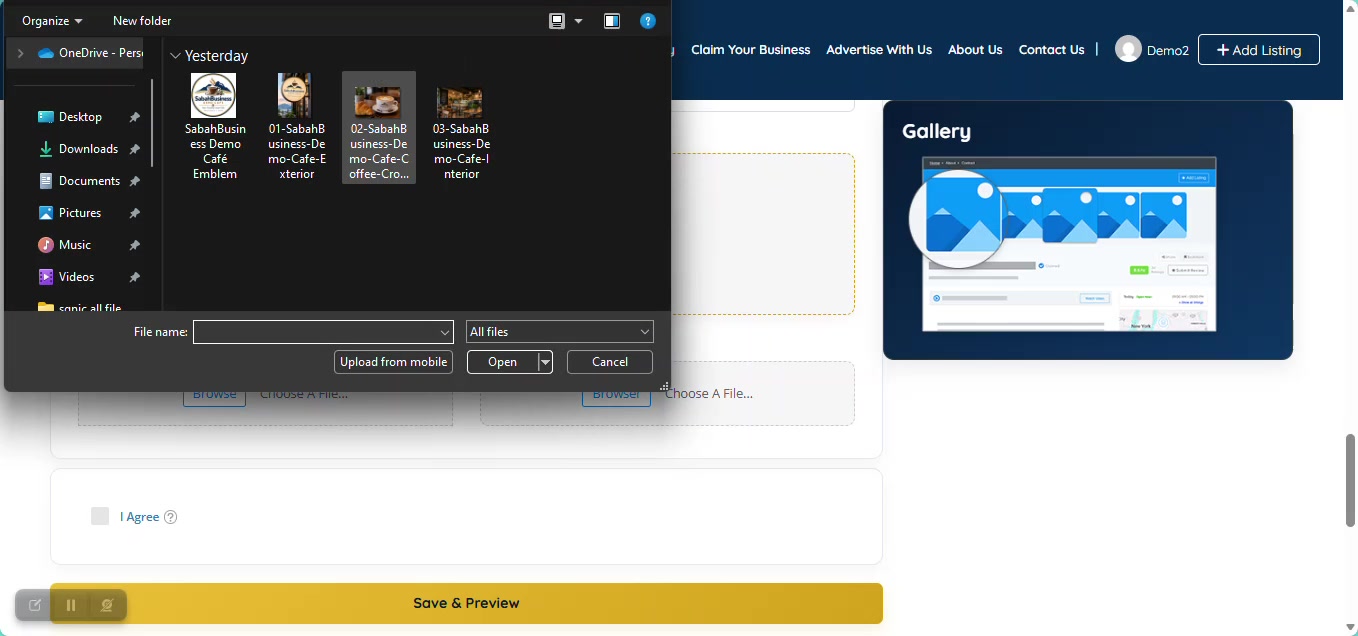
A business listing is most useful when customers can rely on the information shown. Review your listing whenever important business information changes.
Contact SabahBusiness Support for further assistance.