

Open your SabahBusiness Dashboard
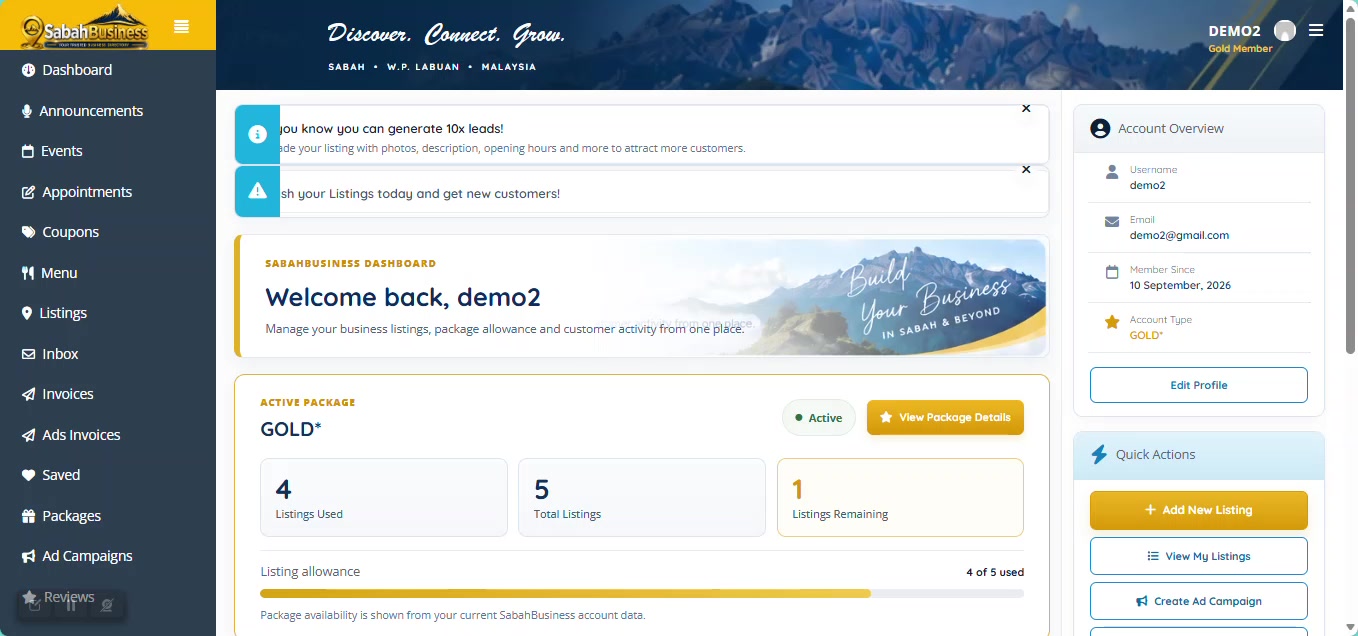
Sign in to your account and open the dashboard. From here you can access your listings and begin adding your business.
Make sure you are signed in to the correct SabahBusiness account before starting.
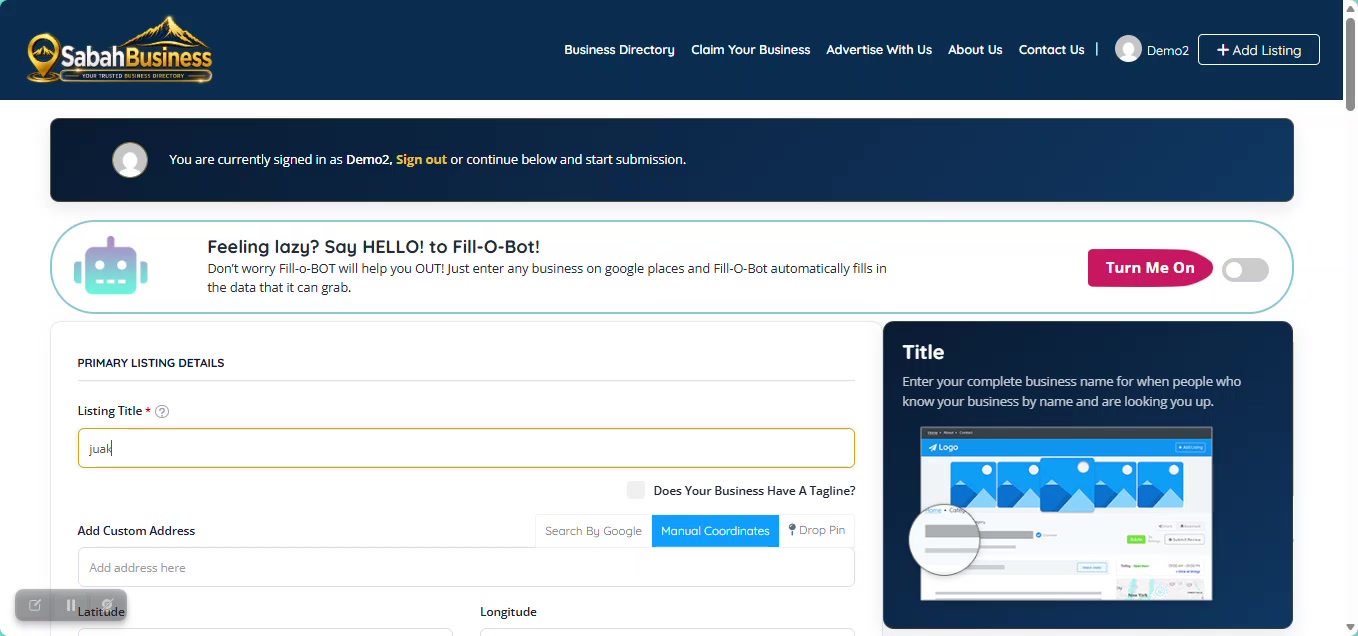
Follow this step-by-step guide to add your business information and create your Free Listing on SabahBusiness.
Enter your business details carefully. Accurate information makes it easier for customers to discover and contact your business.
Sign in to your account and open the dashboard. From here you can access your listings and begin adding your business.
Make sure you are signed in to the correct SabahBusiness account before starting.
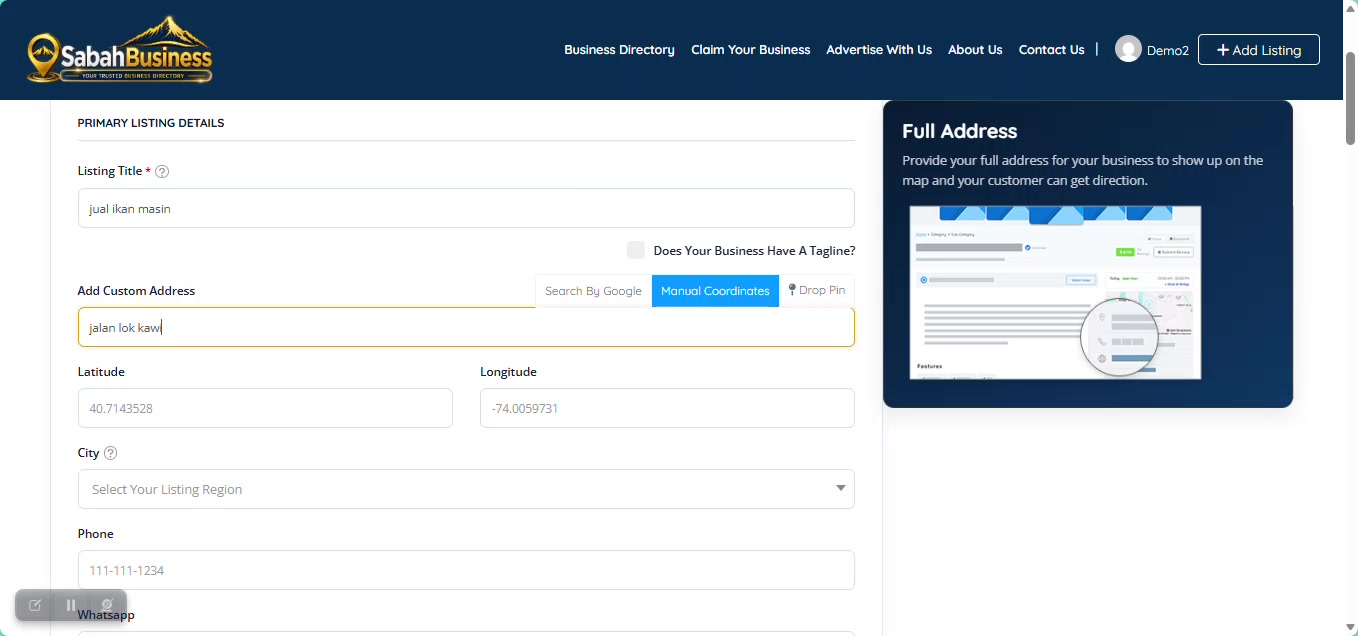
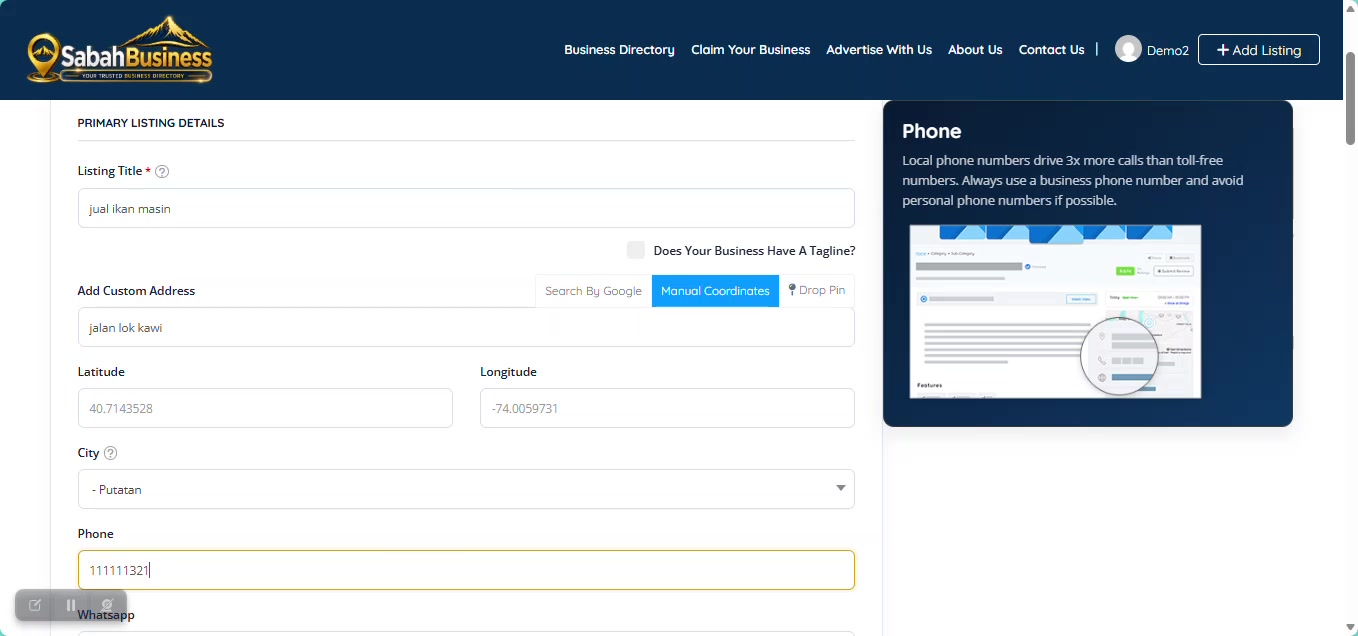
Enter the business name customers know you by. Use the real business or trading name and avoid unnecessary promotional words.
Keep the title clear and easy to recognise.
Enter your business location as accurately as possible so customers can understand where your business is located.
Include useful address details such as shoplot, building, road, town or district where applicable.
Provide a business contact number that customers can use to reach you.
Check the number carefully before submitting your listing.
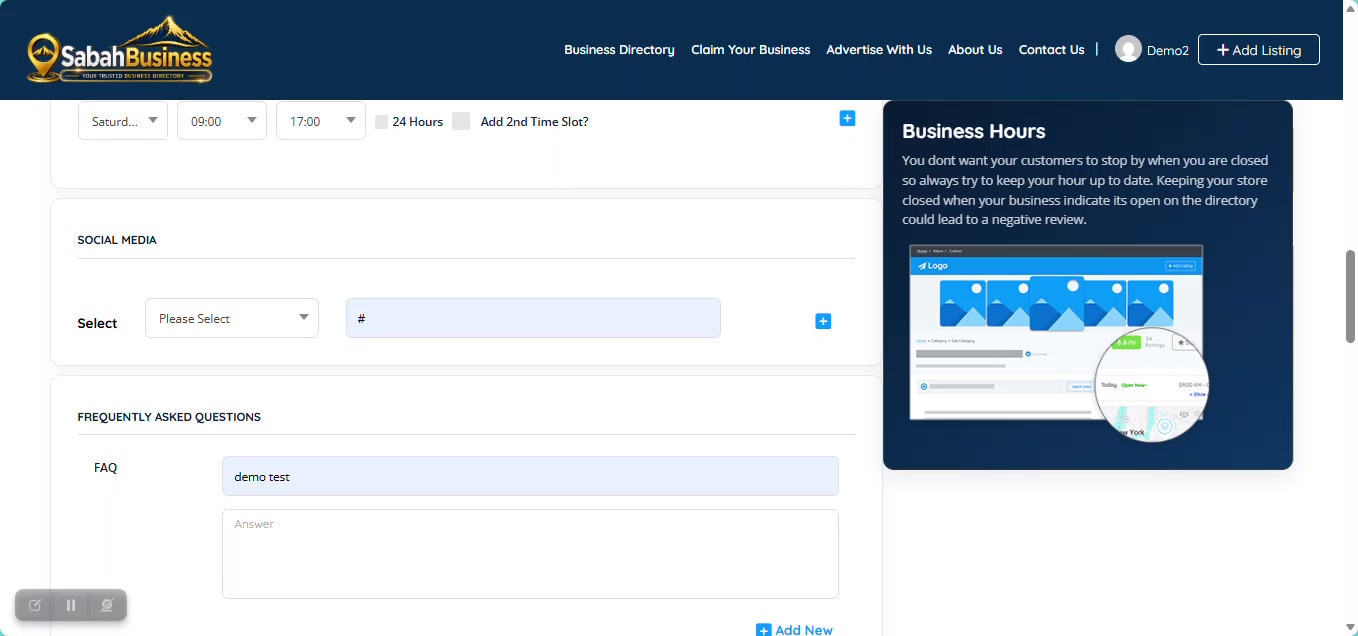
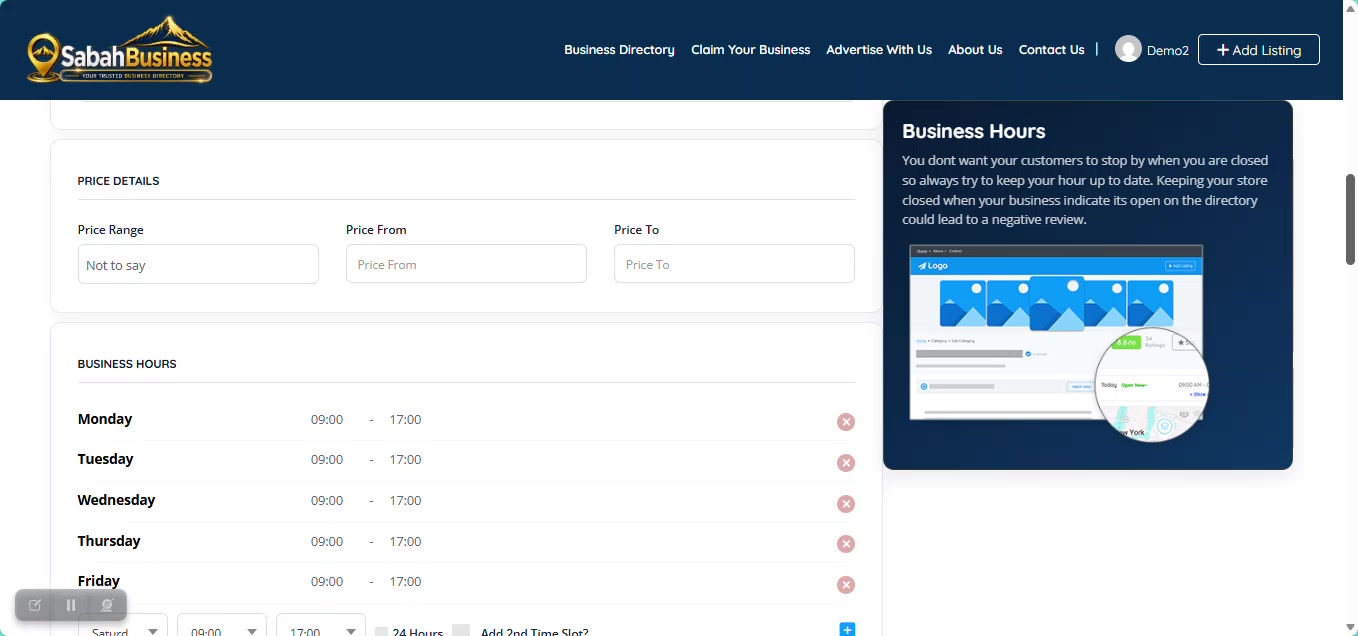
Add your normal opening and closing times so customers know when your business is available.
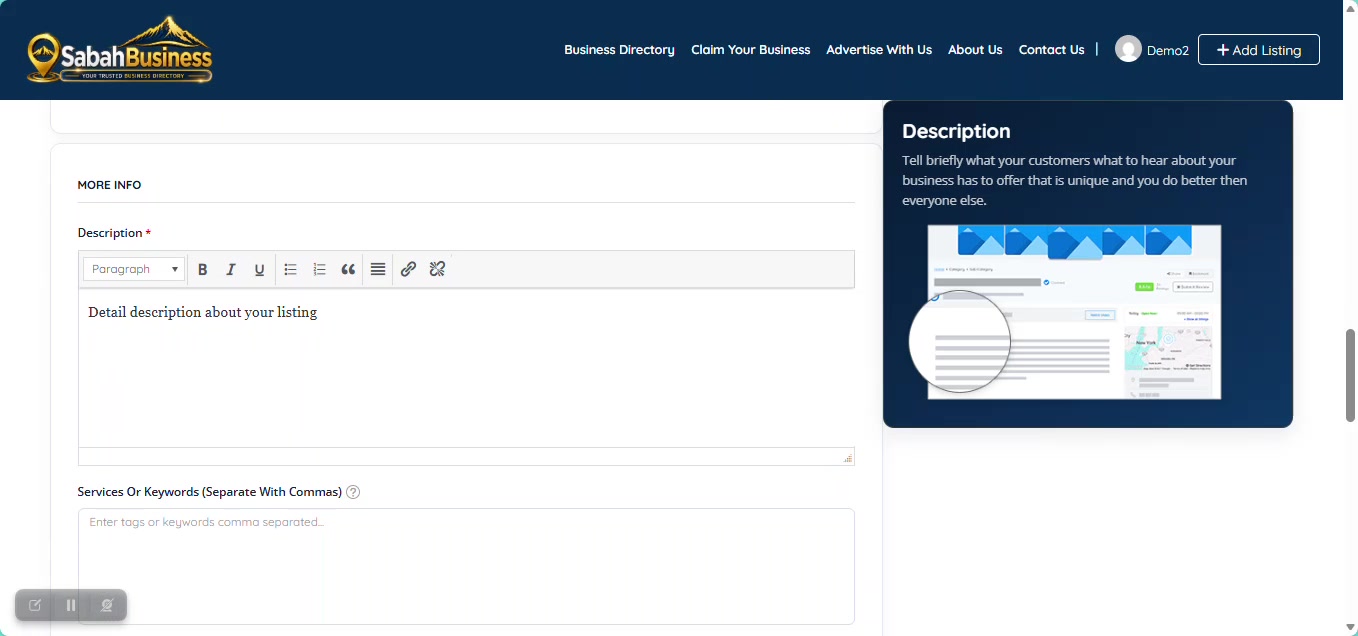
Briefly explain what your business does, the products or services you provide and what customers should know about your business.
Use clear sentences and focus on information that helps customers understand your business.
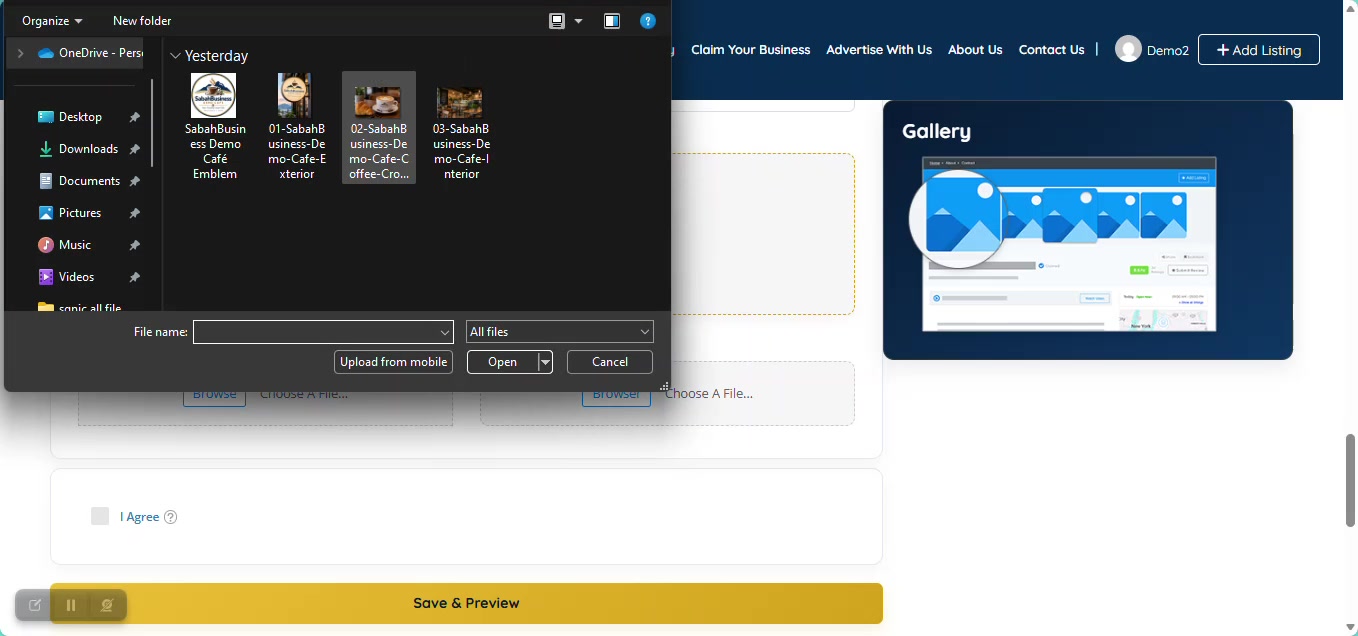
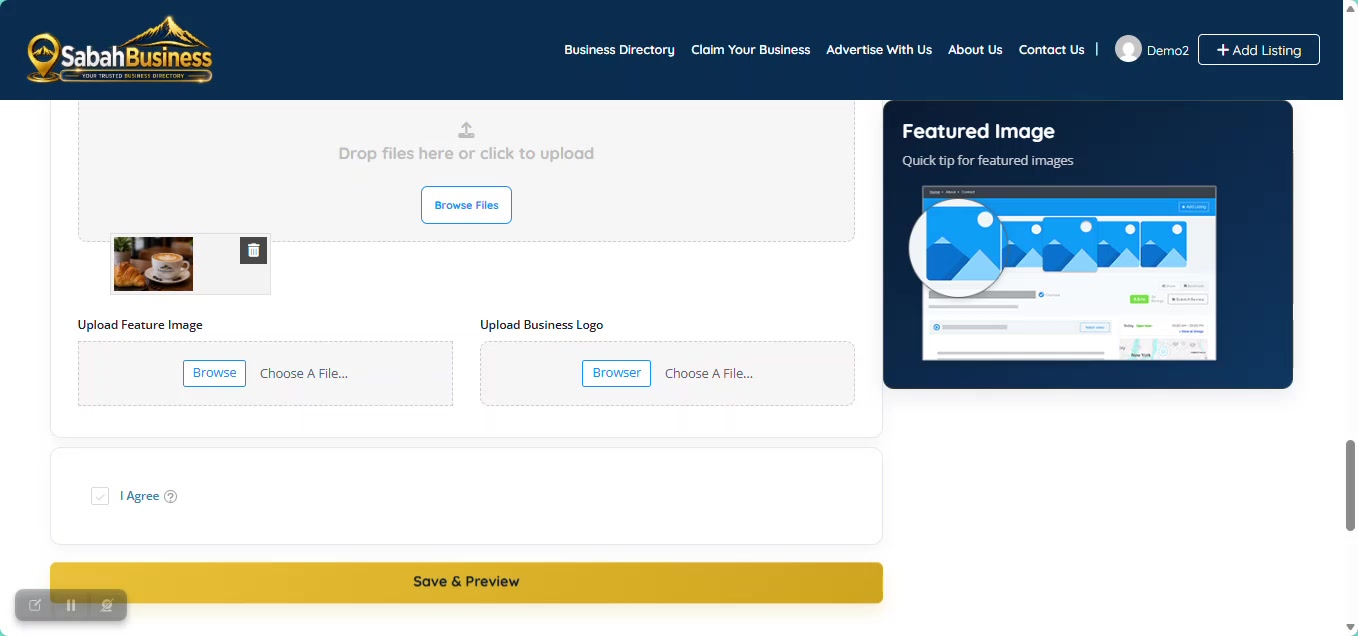
Add clear and relevant images that represent your business, location, products or services.
Select the category that best matches your main business activity. This helps customers find your business when browsing SabahBusiness.
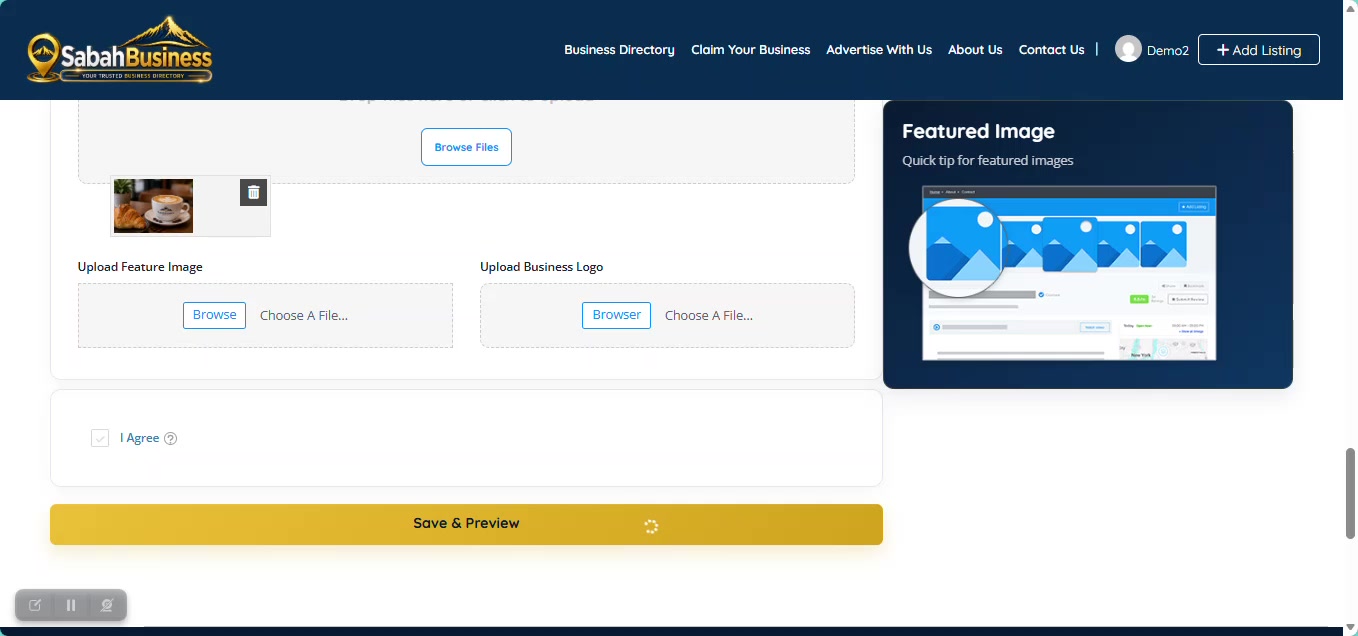
Choose a suitable featured image, review your information, then use Save & Preview before completing your submission.
Check your business name, contact details, category, description and images one more time.
After completing the listing process, SabahBusiness will show the relevant submission status and you can continue from your account.
You can return to your SabahBusiness dashboard to view your listing and manage available listing information from your account.
Continue to the Add & Upgrade Listing Guide.
Contact SabahBusiness Support if you need further assistance.