


01
Find Your Business
Search SabahBusiness for your business
Before creating a new listing, search the directory to see whether your business has already been listed.
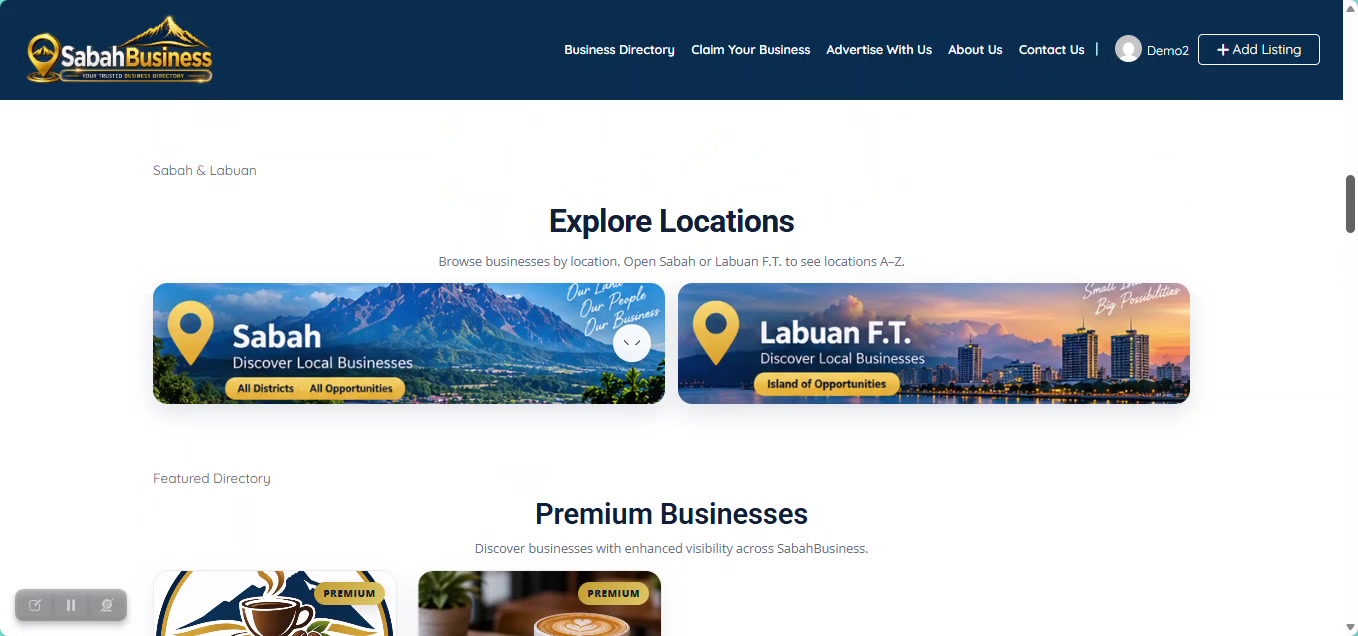

Found your business already listed on SabahBusiness? Follow this guide to request ownership verification and connect the listing to your account.
A claim request does not automatically transfer ownership. SabahBusiness reviews the ownership verification before an existing listing is connected to a business owner account.
The RM1 payment is not a purchase of the business listing and does not by itself prove business ownership. Ownership still needs to be verified and approved through the SabahBusiness claim review process.
Before creating a new listing, search the directory to see whether your business has already been listed.
Review the listing details carefully and make sure it is the business that you own or officially represent.
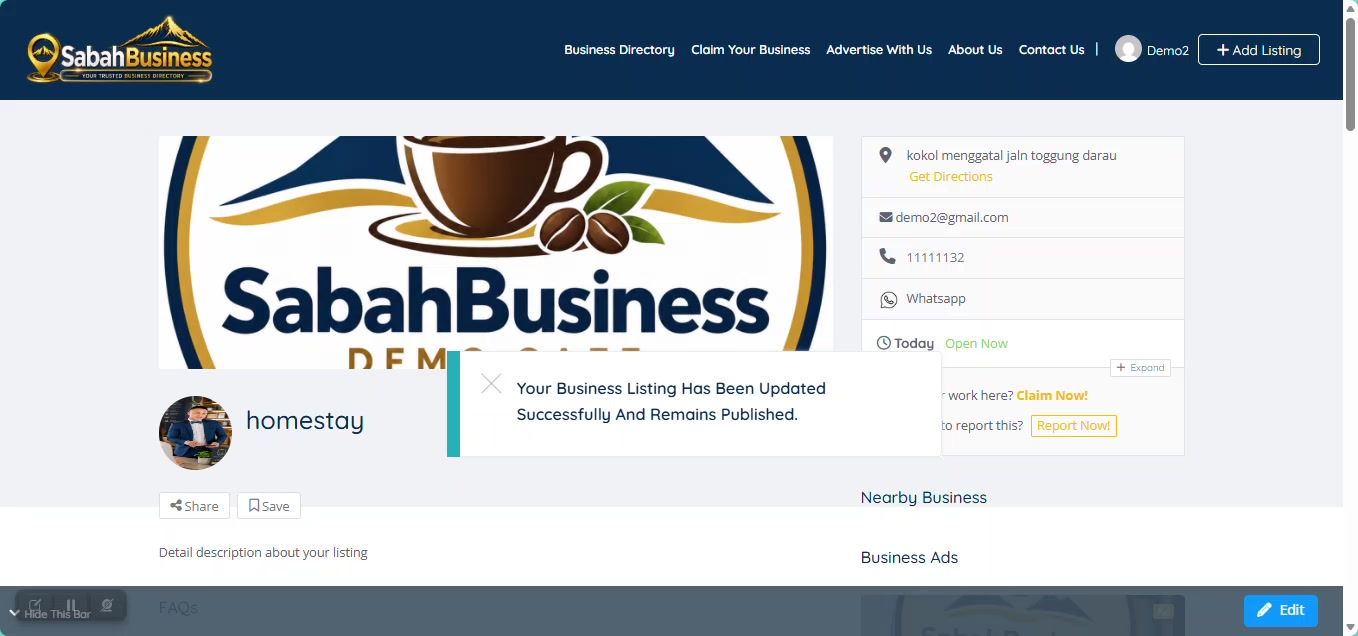
Do not submit a claim for a business that you do not own or officially represent.
Start the claim request from the business listing and sign in to your SabahBusiness account if required.
The final claim verification screen will be added to this guide after the SabahBusiness RM1 claim flow is fully activated and tested.
Complete the requested verification details. SabahBusiness may review suitable business contact information or other information required to confirm the claim.
Complete the one-time claim processing step when requested. This payment supports claim processing but does not automatically approve ownership.
A successful RM1 payment does not automatically make the listing claimed or verified.
Your claim remains subject to review. If additional verification information is needed, SabahBusiness may request further details.
After an approved claim, the business listing can be connected to your SabahBusiness account so available management options can be accessed through your dashboard.
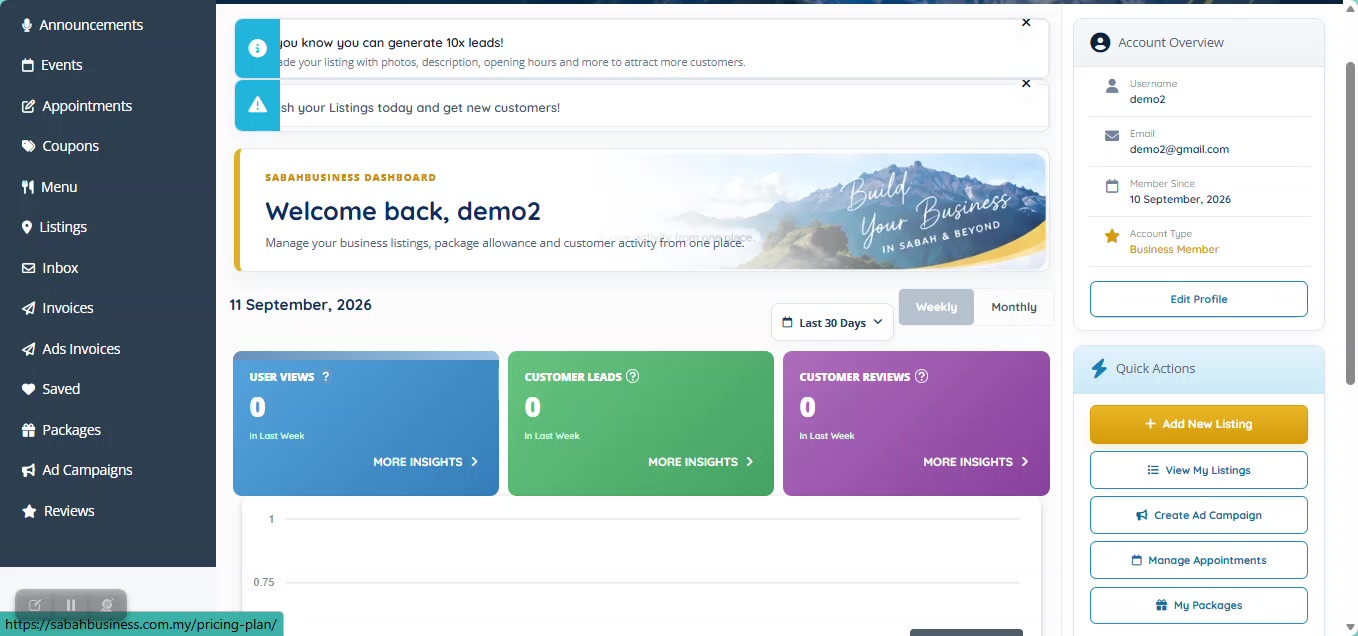
You can continue managing the verified business listing through your account and choose an available upgrade later if your business needs more visibility.
Contact SabahBusiness Support for further assistance.