


01
Account Access
Sign in to your SabahBusiness account
Use the account created with SabahBusiness to access your dashboard and the listings associated with your account.
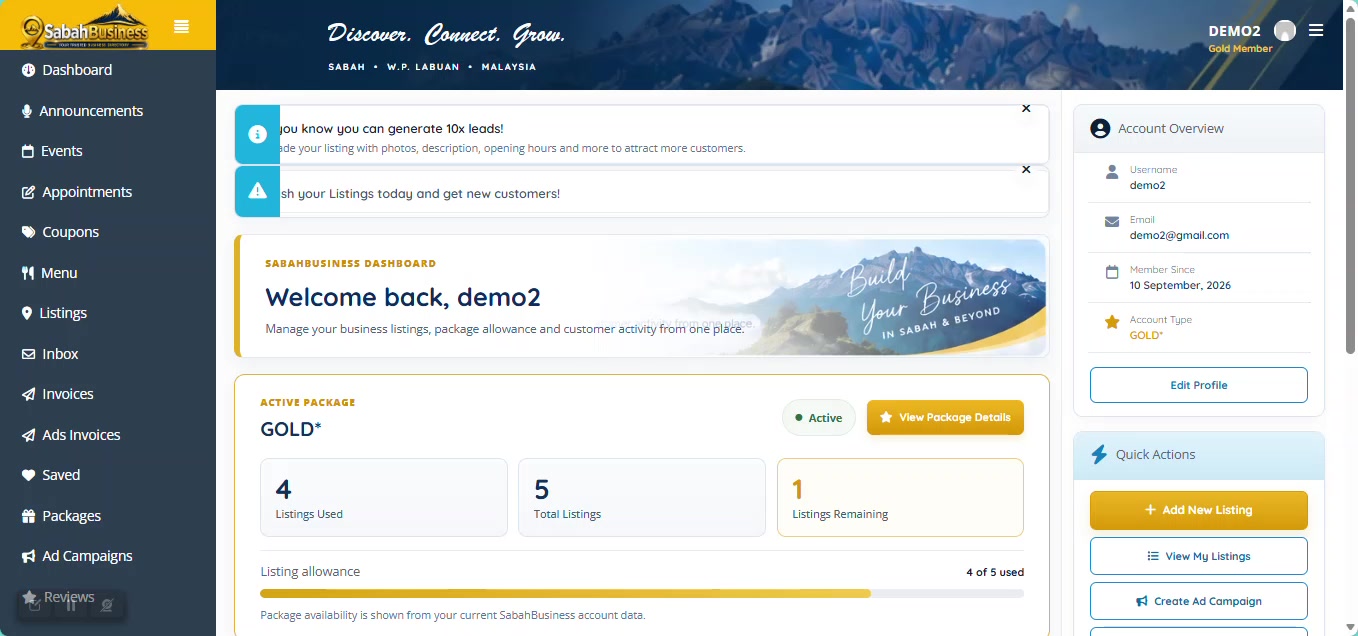

Find help with your SabahBusiness account, dashboard access, common account issues and contacting our support team.
Your account connects you to your business listings, dashboard and available management features. Use accurate account information and keep access details secure.
Access your account and business dashboard.
Access the listings connected to your account.
Ask for assistance when you cannot resolve an account issue.
Use the account created with SabahBusiness to access your dashboard and the listings associated with your account.
Your dashboard provides access to business listings and the available account management areas.
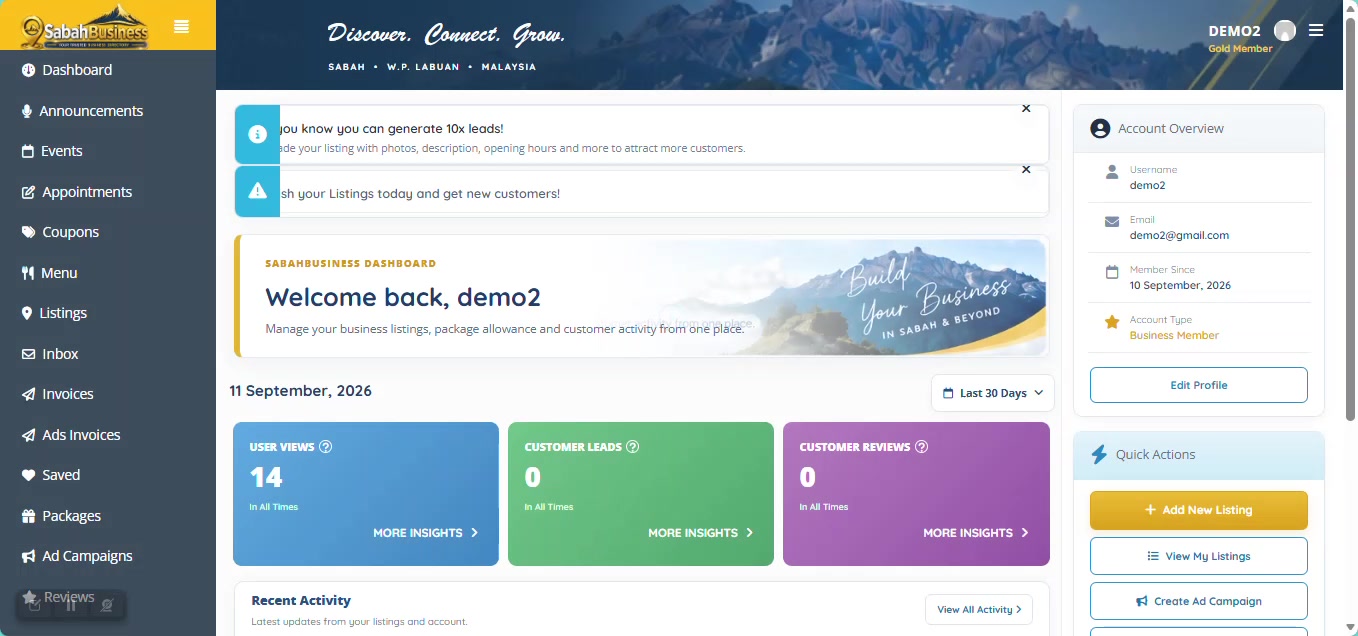
Use My Listings to review the businesses connected to your account before making changes.
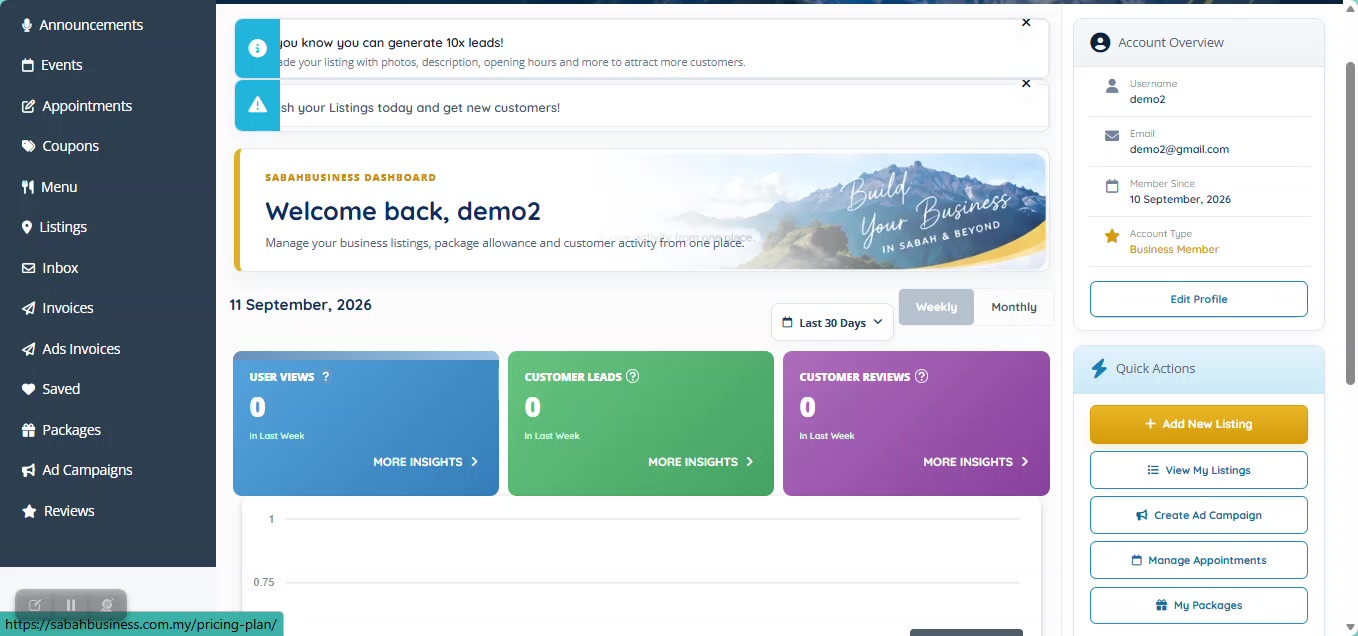
Keep your login details private and use an email address you can access. Do not share your password with anyone claiming to manage your SabahBusiness account.
Never send your password by email or message. Support may ask for account or listing information, but not your password.
When contacting support, include a short description of the issue and relevant business or listing information. A screenshot can also help explain what you are seeing.
Do not include passwords or unnecessary confidential information in a support request.
If you still need assistance after checking the relevant Help & Guide page, contact our support team by email.
support@sabahbusiness.com.my
Basic account security helps protect your business information and reduces the risk of unauthorised access.
Return to the main SabahBusiness Help & Guides page.
Contact SabahBusiness Support for further help.